More Google reviews for your shop
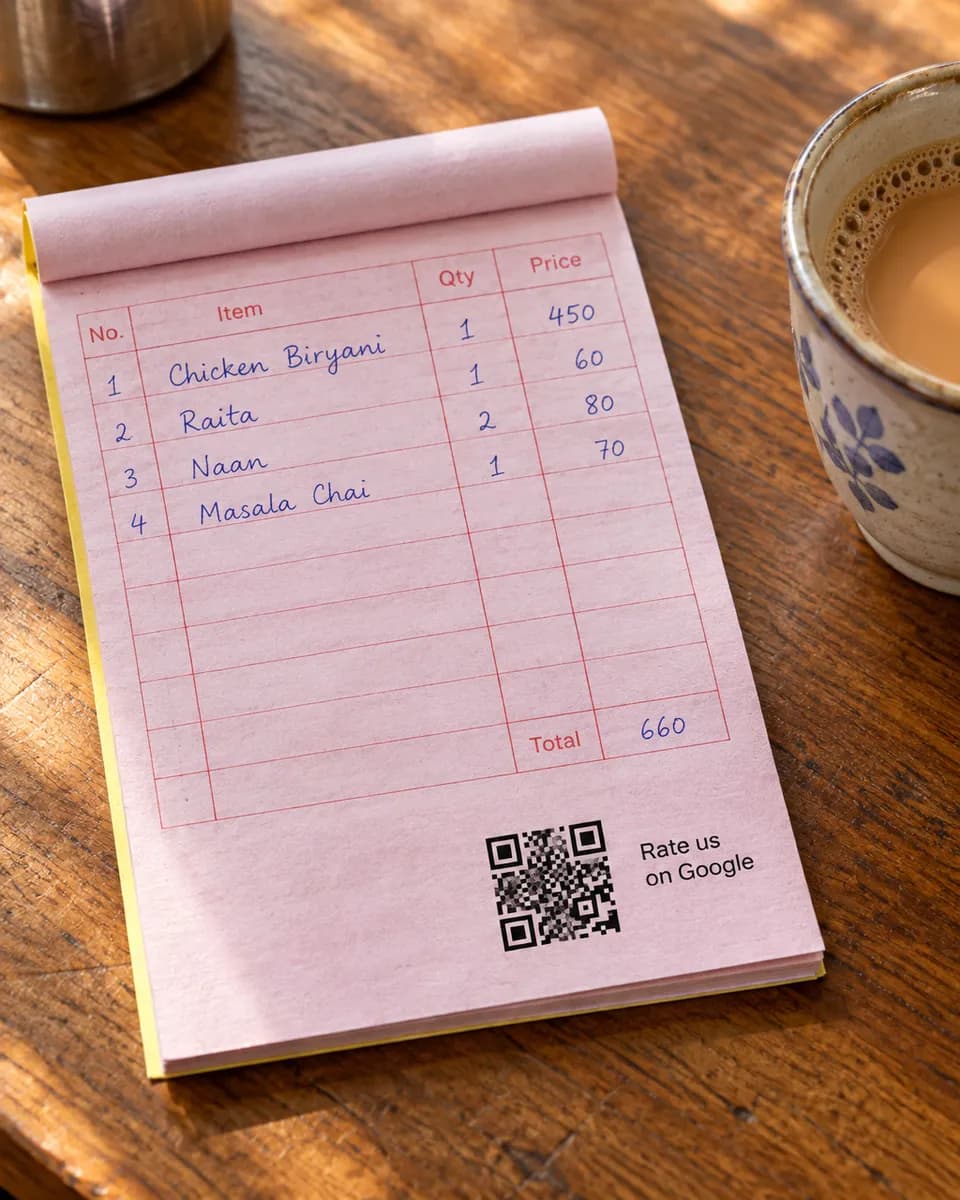
Customers check Google before they drive anywhere, and a shop with few reviews looks like a risk. A QR at the counter asks happy customers while they are still in front of you.
Why it works for shops
Ask at the counter
The moment of paying is the easiest moment to ask. The QR does it, even when your staff are busy.
Show people you can be trusted
Customers can tap good quality, fair prices, or helpful staff. Those are the worries a new customer has.
Sort out a problem fast
When a customer leaves a low rating, you get an alert, so you can fix it.
What your customers can tap
These are the real options on the page. You can change them to suit your business.
- Good quality
- Helpful staff
- Fair prices
- Good variety
- Quick checkout
- Clean store
- Easy returns
Where to put your QR
- The counter
- Receipts
- Shopping bags
- The shop door
How it works
- 1
Scan
Customers scan the QR on the table, counter, or receipt. No app needed.
- 2
Say it out loud
They speak in Urdu or English and we type their exact words. Or they tap a few options for a short draft.
- 3
Post on Google
One tap copies the review and opens Google. Paste, pick stars, done.
Common questions
What kinds of shops can use it?
Any shop with a Google listing, such as clothing, mobile, grocery, hardware or furniture stores.
Can I use it for online orders?
Yes. Print the QR on a slip inside the parcel, and customers can scan it when it arrives.
How long does it take a customer?
Under a minute. They scan, tap the stars, pick or speak, then paste the review on Google.
See it on your own phone
Book a free demo. We'll show you the live page and set you up the same week.
Book a free demo