More Google reviews for your salon or spa
A client never feels better about your work than in the mirror, right after you finish. A QR at the counter turns that moment into a review the next client will read.
Why it works for salons
Ask in the mirror moment
Happy clients are already taking photos. Scanning a QR takes less time than choosing a filter.
Praise for the right stylist
Clients tap what stood out, such as a great result, a skilled stylist, or being on time, or they say it in their own words.
Put a bad cut right
When a client leaves a low rating, you get an alert right away and can offer to fix it.
What your customers can tap
These are the real options on the page. You can change them to suit your business.
- Great result
- Skilled stylist
- Clean salon
- Relaxing
- On time
- Fair prices
- Friendly staff
- Good products
Where to put your QR
- The payment counter
- Mirror stickers
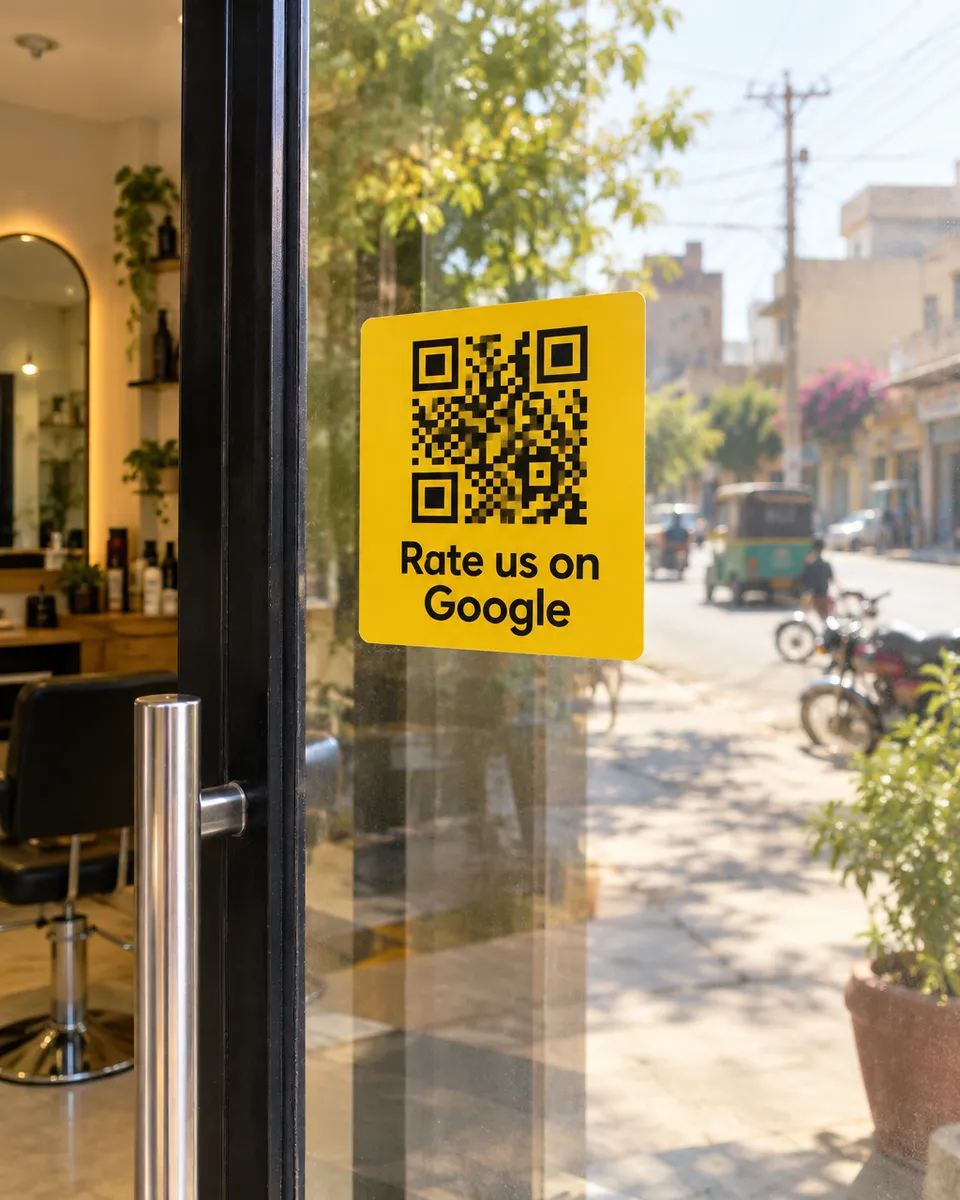
- The glass door
- The waiting area
How it works
- 1
Scan
Customers scan the QR on the table, counter, or receipt. No app needed.
- 2
Say it out loud
They speak in Urdu or English and we type their exact words. Or they tap a few options for a short draft.
- 3
Post on Google
One tap copies the review and opens Google. Paste, pick stars, done.
Common questions
Will it work for a ladies salon?
Yes. Clients review from their own Google account, and they control what name and details Google shows.
Can I see which branch gets the most feedback?
Yes. Make a separate QR for each branch and compare scans and feedback.
How long does it take a client?
Under a minute. They scan, tap the stars, pick or speak, then paste the review on Google.
See it on your own phone
Book a free demo. We'll show you the live page and set you up the same week.
Book a free demo