More Google reviews for your gym
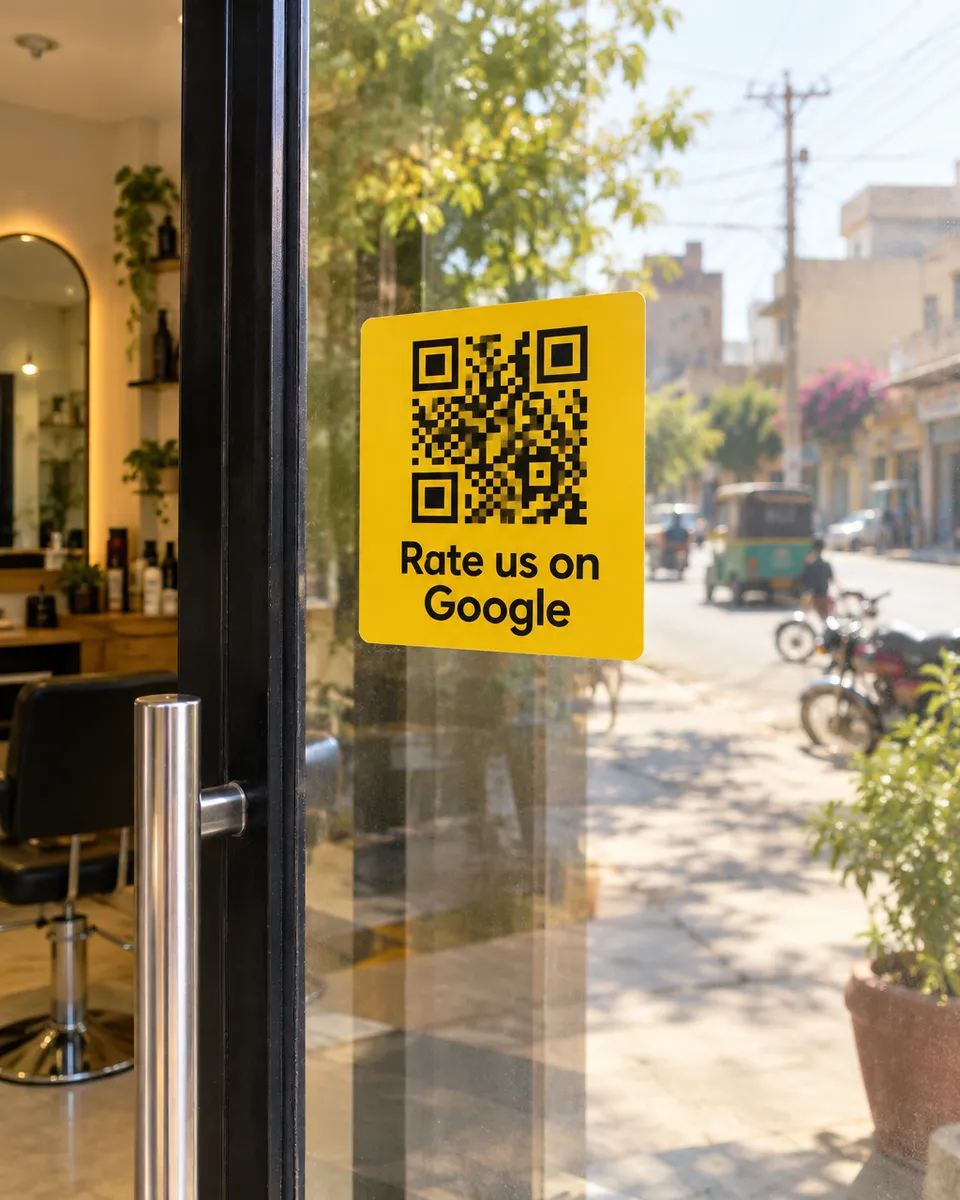
Before someone joins, they compare the gyms nearby on Google. Your members see you every week, so a QR at the front desk gives them an easy way to say what they like.
Why it works for gyms
Your members are right there
Most businesses see a customer once. You see yours every week, so you have many chances to ask.
Answer what new members ask
Members can tap clean equipment, helpful trainers, or fair fees, which is what people comparing gyms want to know.
Stop a member from quietly leaving
When a member leaves a low rating, you get an alert, so you can fix it before they cancel.
What your customers can tap
These are the real options on the page. You can change them to suit your business.
- Clean equipment
- Helpful trainers
- Good atmosphere
- Fair fees
- Not crowded
- Good timings
- Great results
Where to put your QR
- The front desk
- The door
- Locker rooms
- Near the water station
How it works
- 1
Scan
Customers scan the QR on the table, counter, or receipt. No app needed.
- 2
Say it out loud
They speak in Urdu or English and we type their exact words. Or they tap a few options for a short draft.
- 3
Post on Google
One tap copies the review and opens Google. Paste, pick stars, done.
Common questions
Does it work for yoga, boxing and other studios?
Yes. Any fitness business with a Google listing can use it, and the options can be changed to fit your classes.
Can I run it across branches?
Yes. Make a separate QR for each branch and compare scans and feedback.
Can I give free days to members who review?
No. Google does not allow offering anything in return for a review, so simply ask.
See it on your own phone
Book a free demo. We'll show you the live page and set you up the same week.
Book a free demo