More Google reviews for your café or bakery
When someone searches for coffee nearby, they choose from the map, and the map shows your rating first. A QR on the table reaches customers while they are sitting down with time to spare.
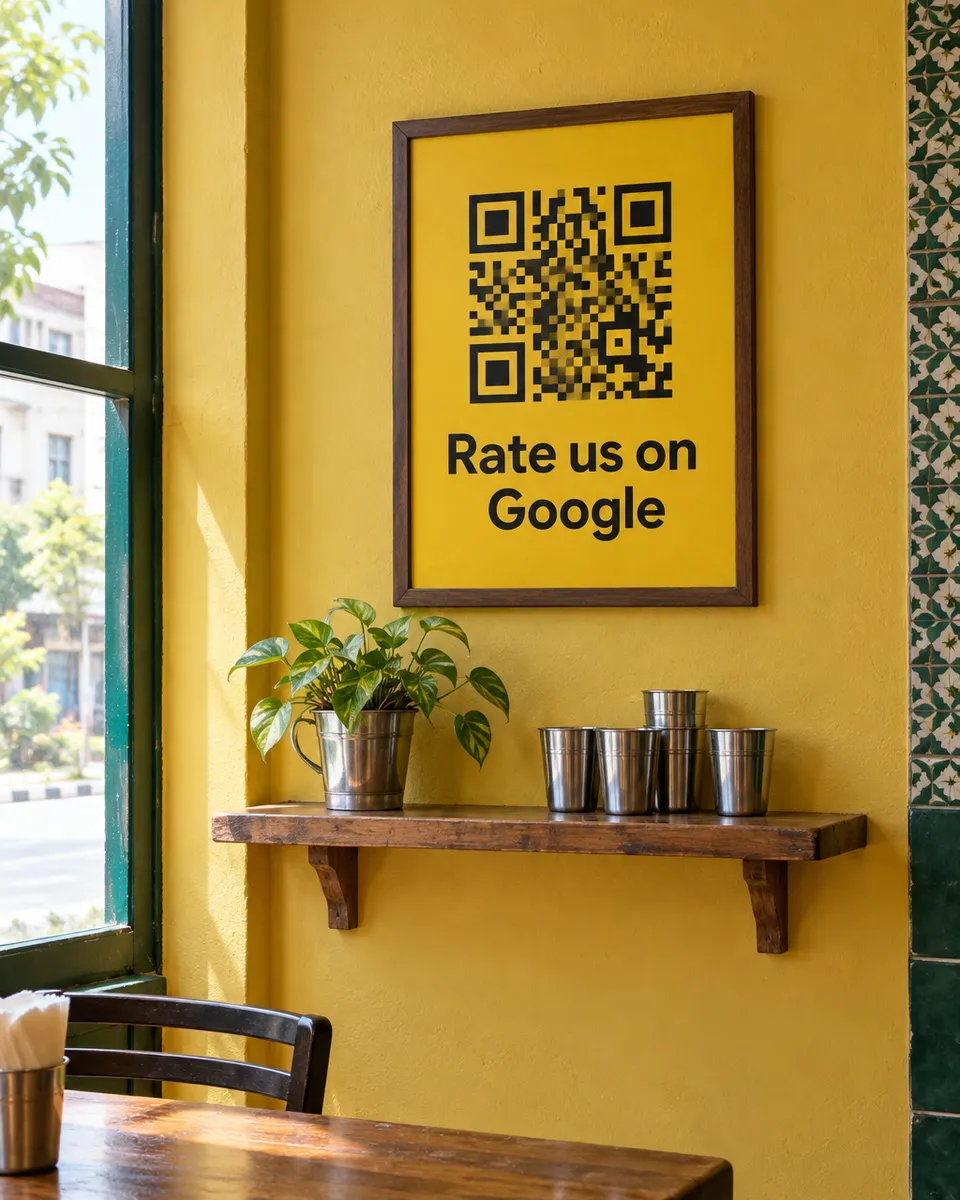
Why it works for cafés
They have a minute
Café customers sit and scroll anyway. A QR beside the cup gets scanned while they wait or chat.
Regulars become reviewers
Your regulars already love you and have simply never been asked. The QR asks for you, every day.
Know when a batch goes wrong
When a customer leaves a low rating, you get an alert and can fix it the same day.
What your customers can tap
These are the real options on the page. You can change them to suit your business.
- Great coffee
- Fresh bakes
- Cozy place
- Friendly staff
- Quick service
- Good value
- Clean
- Nice music
Where to put your QR
- Tables
- The pickup counter
- Cup sleeves
- Bakery boxes
- The wall
How it works
- 1
Scan
Customers scan the QR on the table, counter, or receipt. No app needed.
- 2
Say it out loud
They speak in Urdu or English and we type their exact words. Or they tap a few options for a short draft.
- 3
Post on Google
One tap copies the review and opens Google. Paste, pick stars, done.
Common questions
Does it work for a small bakery with no tables?
Yes. Put the QR on the counter or on the box, and customers can scan it when they get home.
Can I change the options for my menu?
Yes. The tap options can be changed to match what you are known for.
Do customers need a Google account?
To post on Google, yes. Most Android phones are already signed in, so it usually takes no extra step.
See it on your own phone
Book a free demo. We'll show you the live page and set you up the same week.
Book a free demo