More Google reviews for your dental clinic
Most people are a little scared of the dentist, so they read reviews carefully before they book. Every patient who leaves relieved is a story the next nervous patient wants to hear.
Why it works for dentists
Catch the relief
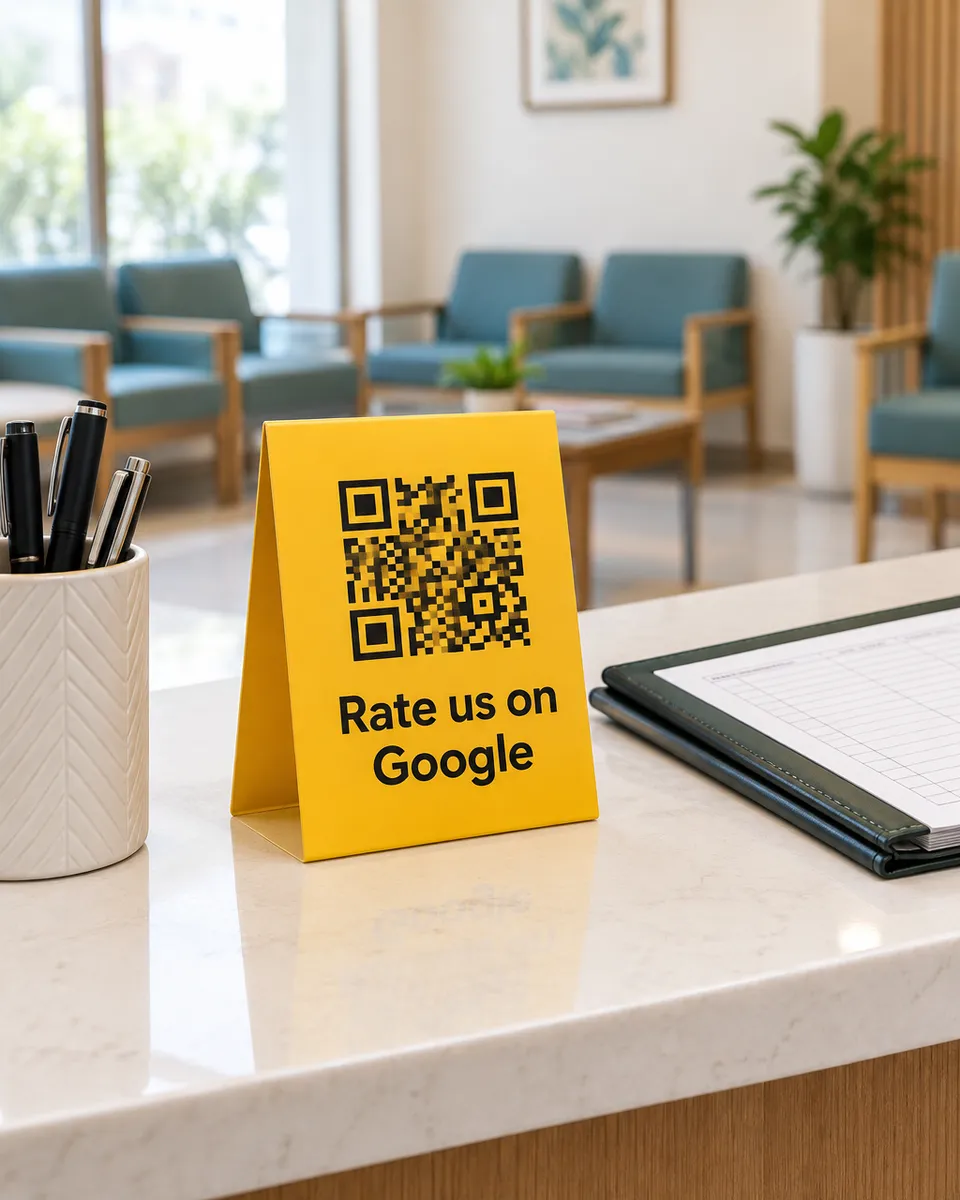
Right after treatment is when a patient is happiest that it went well. The QR at the front desk catches that moment.
The details nervous patients look for
Patients can tap painless treatment, gentle dentist, or explained everything. Those are the words the next patient is searching for.
Answer a complaint quickly
When a patient leaves a low rating, you get an alert right away and can respond to it.
What your customers can tap
These are the real options on the page. You can change them to suit your business.
- Painless treatment
- Gentle dentist
- Explained everything
- Modern equipment
- Clean clinic
- Short wait
- Fair fees
- Friendly staff
Where to put your QR
- The front desk
- The treatment room
- Appointment cards
- The payment counter
How it works
- 1
Scan
Customers scan the QR on the table, counter, or receipt. No app needed.
- 2
Say it out loud
They speak in Urdu or English and we type their exact words. Or they tap a few options for a short draft.
- 3
Post on Google
One tap copies the review and opens Google. Paste, pick stars, done.
Common questions
Can I see a real dental clinic using it?
Yes. Our live demo is a real dental clinic page, so you can open it on your phone and see what your patients will see.
Should patients review right after treatment?
If they feel up to it, yes. If their mouth is numb, speaking can wait. The printed QR on an appointment card lets them do it at home the same day.
Can I add my clinic logo?
Yes. Your logo appears on the review page and on the printed standee, so patients know it is really your clinic.
See it on your own phone
Book a free demo. We'll show you the live page and set you up the same week.
Book a free demo