More Google reviews for vets and pet care
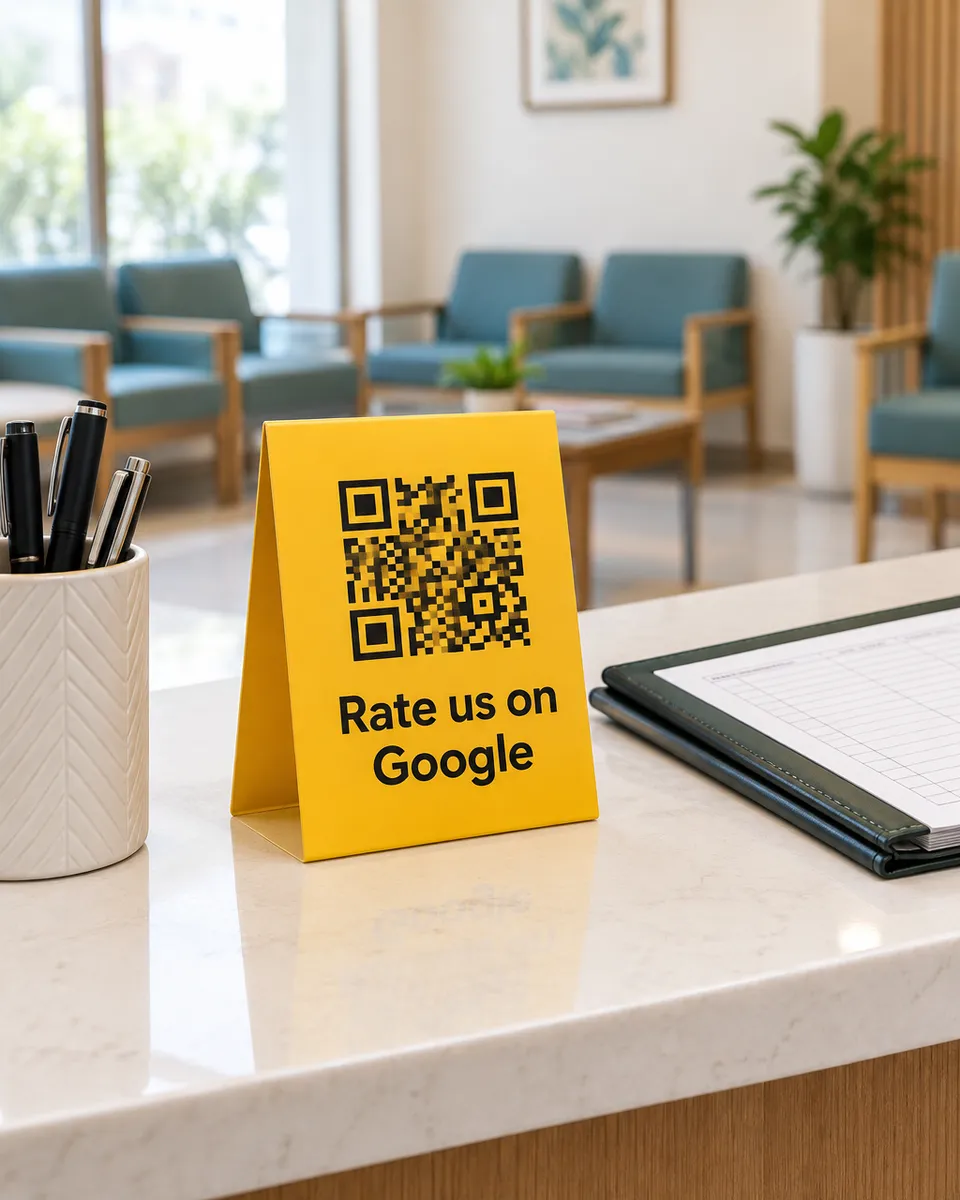
Pet owners worry, and they read reviews before they trust anyone with their animal. A QR at your reception lets happy owners tell the next worried owner how you treated their pet.
Why it works for pet care
Trust is the whole decision
A new owner wants to know you are gentle and honest. Reviews from other owners say that better than any advert.
Words owners care about
Owners can tap gentle with my pet, knowledgeable vet, or clean place, or say it in their own words.
Hear from a worried owner fast
When a pet owner leaves a low rating, you get an alert right away and can respond.
What your customers can tap
These are the real options on the page. You can change them to suit your business.
- Gentle with my pet
- Knowledgeable vet
- Clean place
- Friendly staff
- Fair fees
- Short wait
- Good advice
- Pet felt safe
Where to put your QR
- The reception desk
- Prescription slips
- Grooming counters
- Pet food bags
How it works
- 1
Scan
Customers scan the QR on the table, counter, or receipt. No app needed.
- 2
Say it out loud
They speak in Urdu or English and we type their exact words. Or they tap a few options for a short draft.
- 3
Post on Google
One tap copies the review and opens Google. Paste, pick stars, done.
Common questions
Does it work for pet shops and groomers too?
Yes. Any pet business with a Google listing can use it, and the options can be changed to fit your work.
When is the best time to ask?
At the end of a good visit, when the owner is relieved. The QR at reception is right there as they pay.
Can a customer leave a bad review?
Yes. Every customer gets the same Google button, whatever rating they give.
See it on your own phone
Book a free demo. We'll show you the live page and set you up the same week.
Book a free demo