Google reviews for any business
If customers can find you on Google, Review Magnet works for you. Hotels, schools, car workshops, property offices, pharmacies, tailors and more. We set the page up to fit your business.
Why it works for any business
Works with any Google listing
Reviews go straight to your own Google listing, whatever you do. There is nothing special about your industry to set up.
Options that fit your work
The tap options can be changed to match your business, so customers see words that make sense for you.
See complaints right away
When a customer leaves a low rating, you get an alert, so you can fix it.
What your customers can tap
These are the real options on the page. You can change them to suit your business.
- Great service
- Friendly staff
- Professional
- Good value
- On time
- Clean place
- Quick response
Where to put your QR
- The reception or counter
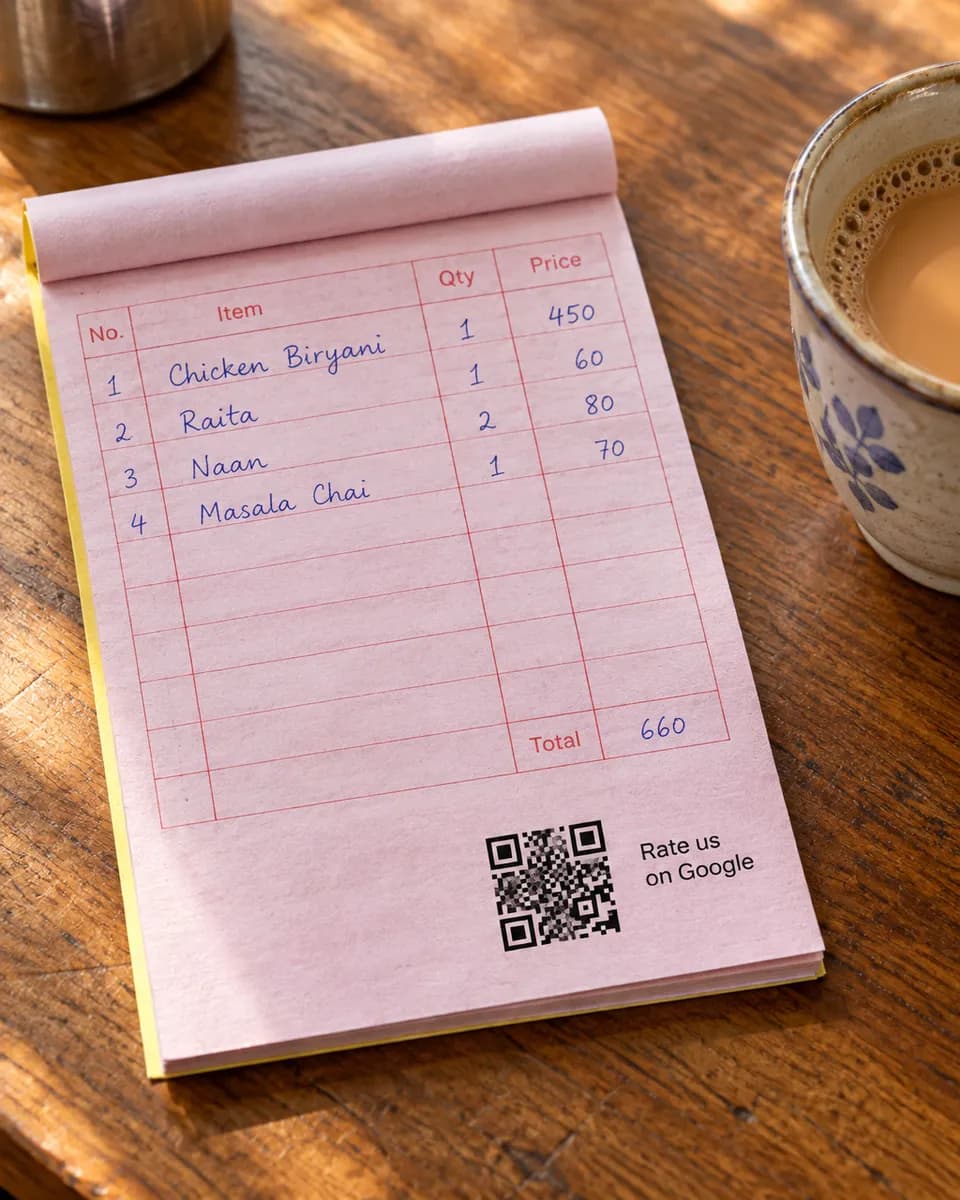
- Bills and receipts
- Business cards
- Packaging
- The door or wall
How it works
- 1
Scan
Customers scan the QR on the table, counter, or receipt. No app needed.
- 2
Say it out loud
They speak in Urdu or English and we type their exact words. Or they tap a few options for a short draft.
- 3
Post on Google
One tap copies the review and opens Google. Paste, pick stars, done.
Common questions
My business is not on your list. Will it work?
Yes. It works for any business with a Google listing. We change the options on the page to suit what you do.
Do I need a Google listing first?
Yes. Reviews are posted to your Google Business Profile, so you need one. Creating it on Google is free.
What if my customers never visit in person?
You can still use it. Print the QR on a bill, card or parcel slip, and customers can scan it wherever they are.
See it on your own phone
Book a free demo. We'll show you the live page and set you up the same week.
Book a free demo