Google reviews for doctors and clinics
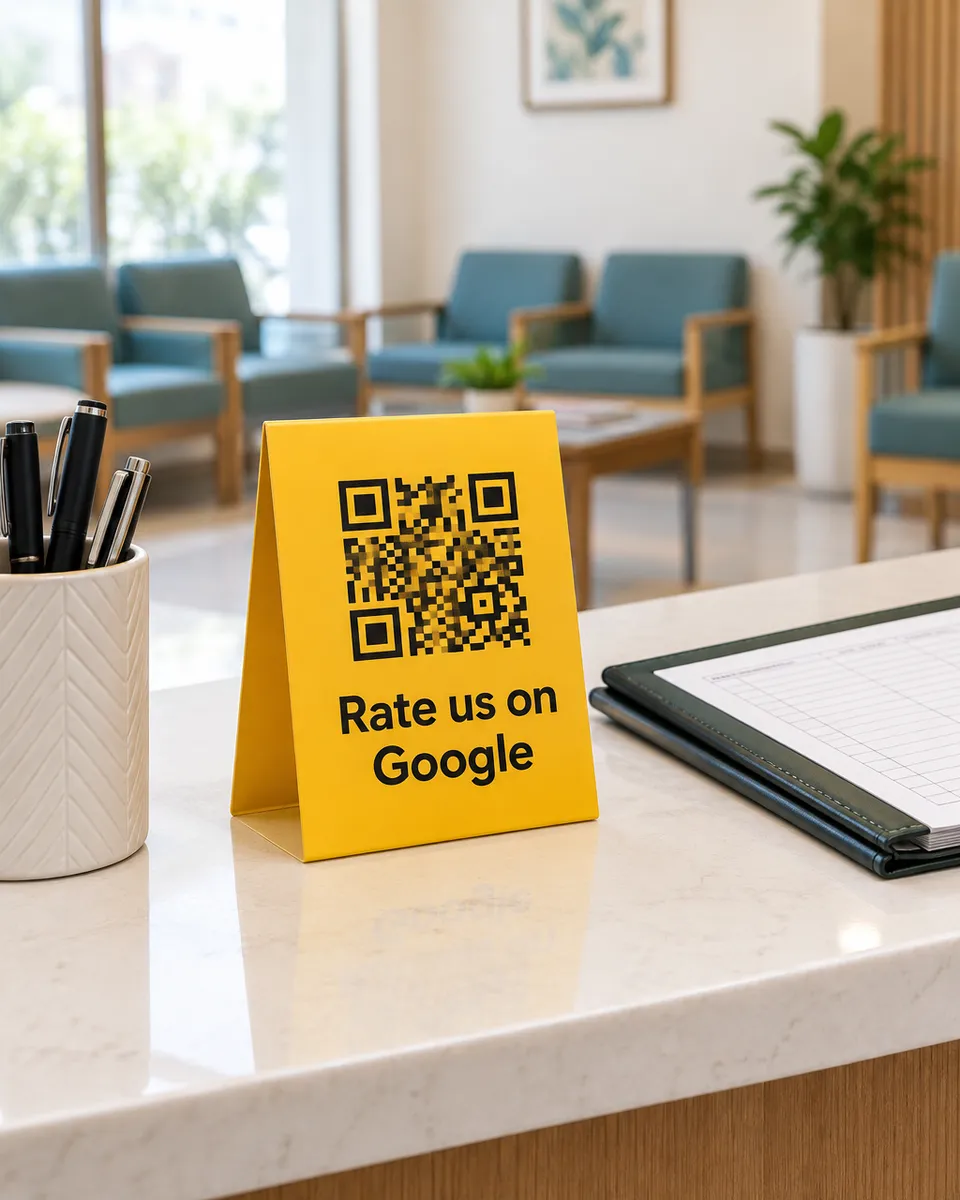
People search for a doctor on Google, then read what other patients say before they call. A QR at reception gives satisfied patients an easy way to share their experience as they leave.
Why it works for clinics
Easy for every patient
Patients who never type can just speak. They scan with the phone camera and nothing needs to be installed.
Words that fit a clinic
Patients tap things that matter here, such as a caring doctor, a clear explanation, or a short wait.
See concerns right away
When a patient leaves a low rating, you get an alert, so your team can respond quickly.
What your customers can tap
These are the real options on the page. You can change them to suit your business.
- Caring doctor
- Explained clearly
- Short wait
- Clean clinic
- Friendly staff
- Fair fees
- Easy appointment
- Felt comfortable
Where to put your QR
- The reception desk
- The waiting area
- Prescription slips
- The pharmacy counter
How it works
- 1
Scan
Customers scan the QR on the table, counter, or receipt. No app needed.
- 2
Say it out loud
They speak in Urdu or English and we type their exact words. Or they tap a few options for a short draft.
- 3
Post on Google
One tap copies the review and opens Google. Paste, pick stars, done.
Common questions
Do patients have to share medical details?
No. They choose what to say, and the options are about the visit, such as the staff, waiting time and cleanliness. Ask patients not to include private health details in a public review.
Can a clinic with several doctors use it?
Yes. You can make a separate QR for each room or branch, and see where scans and feedback come from.
What if a patient leaves a bad review anyway?
They are always free to post on Google. You can answer it publicly from your Google Business Profile, which also shows future patients that you care.
See it on your own phone
Book a free demo. We'll show you the live page and set you up the same week.
Book a free demo