More Google reviews for your restaurant
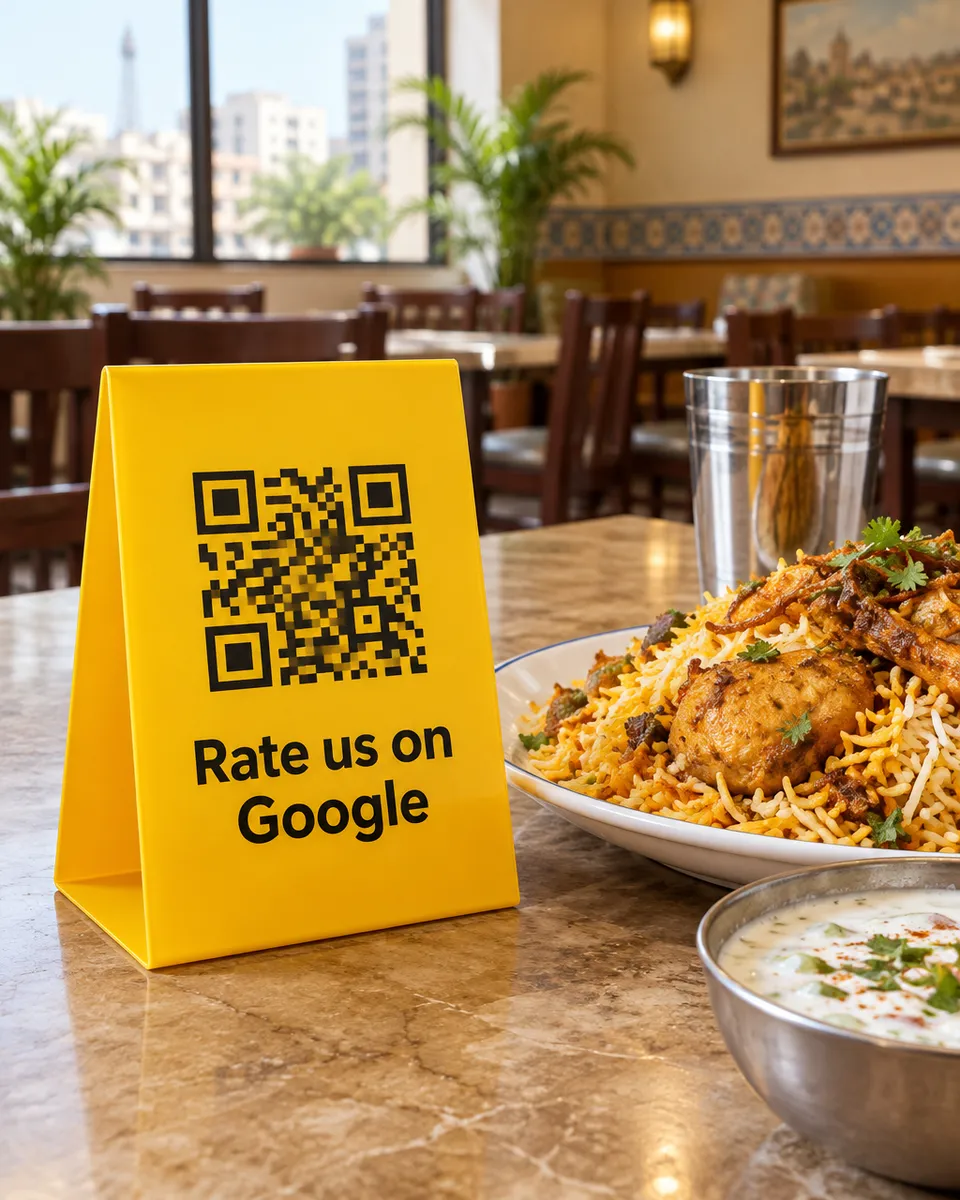
Your food can be the best on the street and still lose to the place with more reviews. Put a QR on the table and ask while the meal is fresh, when customers are happiest and have a minute to spare.
Why it works for restaurants
Ask at the right moment
The best time is at the table, after the food and before the bill. A week later nobody remembers to review you.
No typing for busy diners
Customers tap what they liked, such as tasty food or quick service, and a short review is ready. Or they speak and we type their words.
Hear about a bad night fast
A low rating for a cold plate or a long wait triggers an alert right away, so you can put it right.
What your customers can tap
These are the real options on the page. You can change them to suit your business.
- Tasty food
- Friendly staff
- Quick service
- Clean place
- Good value
- Great ambience
- Family friendly
- Fresh ingredients
- Good portions
Where to put your QR
- Table tents
- The printed bill
- Takeaway bags
- The counter
- Delivery inserts
How it works
- 1
Scan
Customers scan the QR on the table, counter, or receipt. No app needed.
- 2
Say it out loud
They speak in Urdu or English and we type their exact words. Or they tap a few options for a short draft.
- 3
Post on Google
One tap copies the review and opens Google. Paste, pick stars, done.
Common questions
Can one QR work for a restaurant with many tables?
Yes. One QR is enough, and you can also make one per table or floor to see which ones get the most scans and feedback.
Will it work for delivery and takeaway orders?
Yes. Print the QR on the bag or a small insert. Customers scan it at home after they have eaten.
Can I give a discount to customers who leave a review?
No. Google does not allow offering anything in return for a review. Asking politely at the right moment is allowed, and that is what the QR does.
See it on your own phone
Book a free demo. We'll show you the live page and set you up the same week.
Book a free demo